
ANVL: Tabletop Miniature Design Platform
ANVL: Tabletop Miniature Design Platform
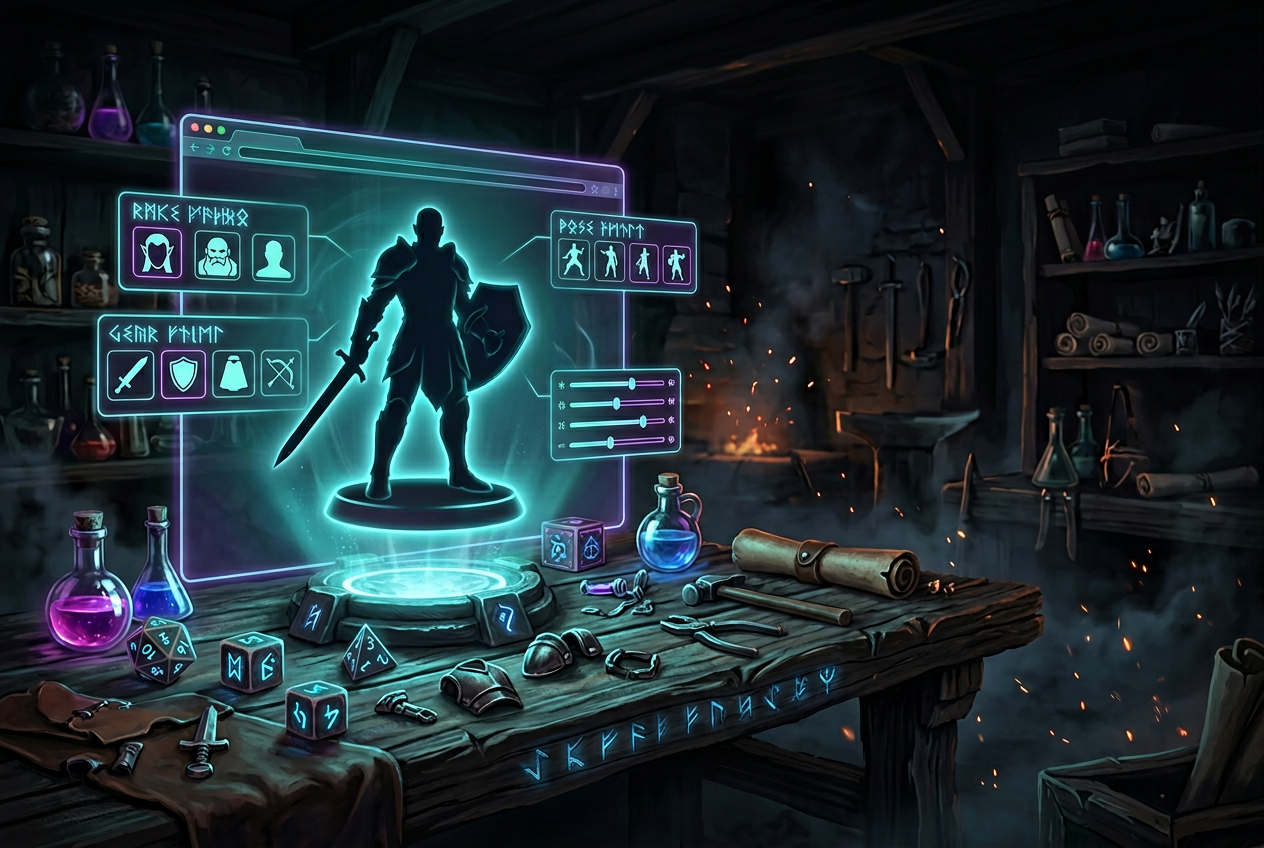
A miniature design platform is a browser-based tool that lets you create custom 3D character models for tabletop games—no sculpting skills required. You pick the race, adjust the features, equip the gear, and walk away with either a physical resin miniature or an STL file ready for your home printer.
This guide covers what to look for when choosing a platform, how to build your first custom miniature step by step, and the fantasy race options available in ANVL's character creator.
What is a miniature design platform
A miniature design platform is a browser-based tool that lets you build custom 3D character models for tabletop games—think Dungeons & Dragons, Pathfinder, or Warhammer. Rather than browsing shelves for a figure that's "close enough," you design exactly what you want: the race, the armor, the weapon, the pose. Then you either order a physical resin print or download an STL file to print at home.
The whole process happens in a visual editor. You make a selection, and your character updates on screen in real time. No 3D modeling experience required—just click, adjust, and watch your character take shape.
Why TTRPG players create custom miniatures
Here's the thing about off-the-shelf miniatures: they're made for everyone, which means they're made for no one in particular. That tiefling warlock you've been playing for two years? The one with the crescent-moon staff and the torn cloak? Good luck finding that on a store shelf.
A custom miniature solves that problem. You get a figure that actually looks like your character—not an approximation, but the real thing. And when you set it down on the battle map, there's a connection to the story you've been telling that a generic figure just can't match.
Dungeon masters run into the same issue when they want specific NPCs or creatures. Custom platforms open up options that would otherwise require expensive commissions or hours spent kitbashing parts from different sets.
What to look for in a 3D miniature creator
Not all platforms work the same way, so it helps to know what features matter before you start comparing.
Fantasy race and creature variety
Race selection is your starting point, and variety here determines how close you can get to your character concept. Some platforms stick to classic humanoids—humans, elves, dwarves. Others include animalfolk, elementals, and creatures that let you build something truly distinctive.
The broader the selection, the fewer compromises you'll make.
Customization depth and controls
"Customization" can mean different things depending on the platform. Some offer preset options you swap between—pick head A, B, or C. Others provide incremental controls, like +/- sliders, that let you fine-tune proportions and features with precision.
Look for platforms that let you adjust head, body, clothing, and weapons independently. Rigid templates can feel limiting once you have a specific vision in mind.
Pose and stance selection
Stance defines how your character stands or moves, and it affects the whole feel of the miniature. A relaxed "Standing Idle" pose tells a different story than a battle-ready action stance.
The right pose can communicate personality before anyone at the table knows your character's name.
Materials and print quality
Resin is the standard material for detailed miniatures. It captures fine features—facial expressions, armor textures, weapon details—in a way that other materials struggle to match. When evaluating platforms, check whether physical orders use high-resolution resin printing.
Download options and STL support
STL is the file format used for 3D printing. If you own a resin printer, you'll want a platform that offers STL downloads you can import into slicers like Cura, Lychee, or ChiTuBox.
Some platforms focus on physical orders only. Others offer both paths, giving you flexibility based on your setup and preferences.
How to create your custom miniature in ANVL
ANVL walks you through character creation section by section, so you always know where you are and what you're editing. Here's how the flow works.
1. Choose your race and gender
Simply navigate to the "Race" section and pick from options like Human, Dwarf, Elf, Orc, Dragon, Tiefling, and more. Male and female options appear side by side for each race.
If you want to skip ahead and see what's possible, hit "Generate a random character." You'll get an unexpected starting point that you can refine into something personal.
2. Customize head and body features
The "Head" section displays a percentage value with +/- controls for precise adjustments. Small changes, not big jumps—so you can dial in exactly the proportions you want.
The "Body" section works the same way, letting you shape your character's build incrementally.
3. Select clothing and armor
Move to the "Clothing" section to pick outfits that fit your character's class or story. Options range from heavy plate to robes to rugged travel gear.
4. Add weapons and hand held items
The "Hand Held Items" section is where you equip weapons, shields, staffs, and other gear. For many players, this is where the character really starts to feel complete.
5. Pick your base and stance
"Unique Bases" lets you choose terrain or thematic bases—stone, snow, forest—that add context to your character. The "Stance" setting (like "Standing Idle") defines your pose, and the "Mount" option specifies whether your character rides anything.
6. Choose material, size, and output
Navigate to the "Material" section and select "Resin" for high-detail printing. Pick your size (the default is "Standard"), then choose "Add to Cart" for a physical miniature or "Download" for STL files.
Start Building Your Custom Miniature →
Fantasy races available in ANVL's character creator
ANVL offers one of the broadest race selections among miniature design platforms, with over two trillion possible combinations when you factor in all customization options.
Classic fantasy races
Human, Dwarf, Elf, Halfling, Orc, Goblin, Tiefling, and Skeleton are all available with male and female options. These cover the core of most fantasy campaigns and work well for players building traditional party compositions.
Animalfolk and creature races
Cat, Wolf, Frog, Eagle, and Minotaur offer distinctive silhouettes beyond traditional humanoids. If you're playing a tabaxi, kenku, or homebrew beast-folk character, these options give you a solid foundation to build from.
Elemental and unique options
Dragon, Crystal, Treant, and Cyclops suit players looking for rare or unusual character types. These are harder to find on other platforms and open up possibilities for characters that really stand out on the table.
Physical miniatures vs STL downloads
You have two paths from design to finished miniature. The right choice depends on your setup and how you like to work.
FeaturePhysical MiniatureSTL DownloadBest forPlayers without a 3D printerHobbyists with home printersMaterialResin, ready to paintDepends on your printerTurnaroundShipping time requiredInstant download
Ordering resin miniatures
Select "Add to Cart" when you're happy with your design. ANVL ships high-resolution resin figures that arrive ready to prime and paint—no assembly or post-processing on your end.
Downloading STL files for 3D printing
Select "Download" to get STL files you can import into your preferred slicer. These files work with standard resin printers and let you print on your own schedule, with your own material choices.
How much do custom miniatures cost
Pricing varies by platform, material, and whether you're ordering physical miniatures or downloading files. ANVL displays pricing in the cart before checkout, so you can see exactly what your design costs before committing.
Generally, custom miniatures cost more than mass-produced figures but less than commissioning a sculptor for a one-off piece. The tradeoff is a miniature that actually matches your character.
If you're designing for a specific campaign, consider matching your miniature's base terrain to your game's setting. Snow, stone, or forest can add storytelling depth before the first dice roll.
Ready to bring your character to life
Whether you're building a battle-scarred orc warrior, a crystal elemental spellcaster, or a halfling rogue with just the right smirk, ANVL gives you the tools to create exactly the miniature you've been imagining.
Sound like fun? It is.
Start Building Your Custom Miniature →
FAQs about miniature design platforms
Can I use ANVL's character creator on mobile devices?
ANVL's creator runs in your browser, so you can access it on tablets and phones with modern browsers. The experience works best on larger screens, but mobile access is available when you want to tinker on the go.
How long does shipping take for ANVL's physical miniatures?
Shipping timelines vary by location. You'll see estimated delivery windows during checkout before you complete your order.
What file format does ANVL provide for 3D printing downloads?
ANVL provides STL files, which are compatible with popular slicers like Cura, Lychee, and ChiTuBox for resin printing.
Can I save my miniature design and edit it later in ANVL?
Yes—you can save your design within the platform and return to refine it before ordering or downloading. For more details, the ANVL FAQs cover painting, bulk orders, and other common questions.
What size options are available for ANVL's tabletop miniatures?
The "Size" setting includes "Standard" as the default option, with additional sizes available depending on your needs for the table.

