
Best Character Creator Apps for Beginners
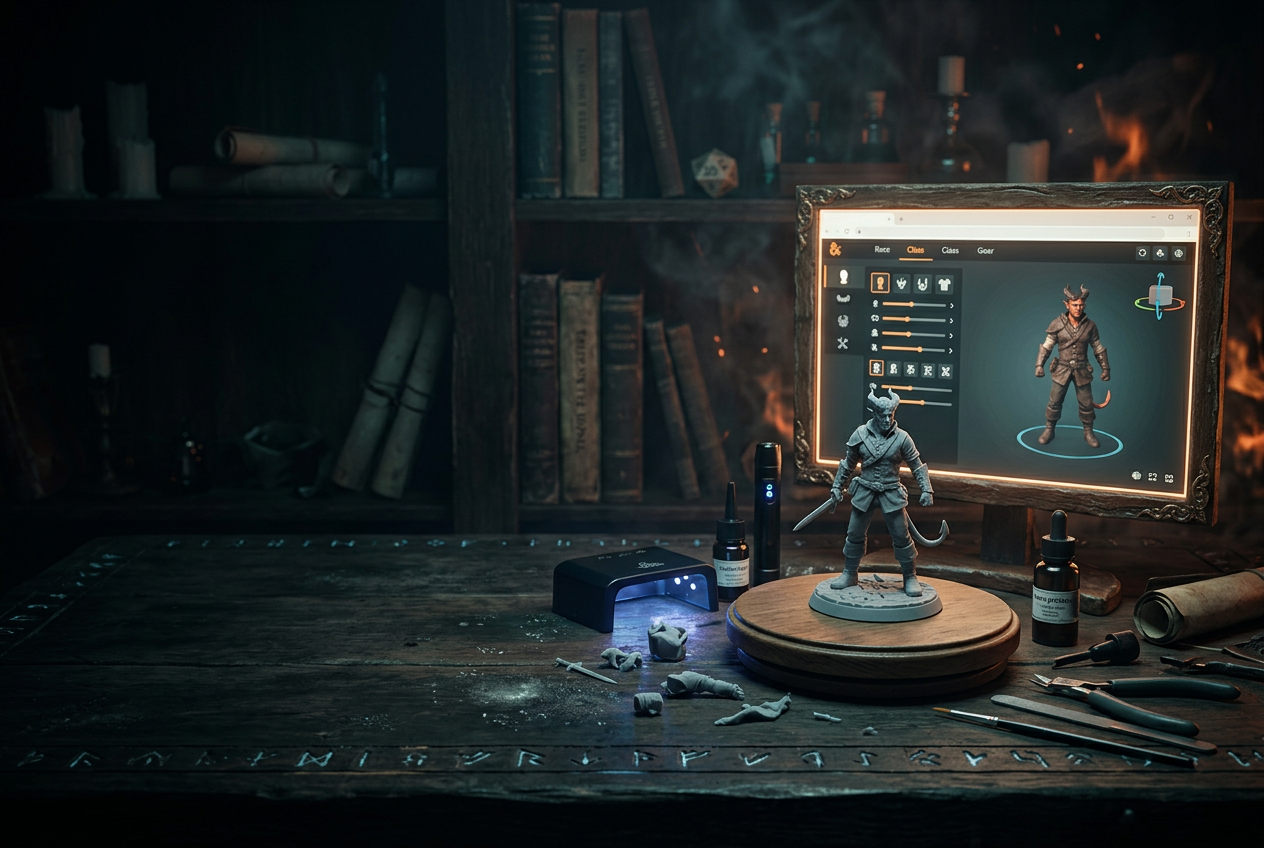
Best Character Creator Software for Beginner
Building a custom 3D character used to mean learning complex modeling software and spending hours sculpting from scratch. That's no longer the case—modern character creators let you design detailed figures by simply picking options and adjusting sliders, no technical skills required.
This guide covers the best beginner-friendly 3D character creators, what features to look for, and how to go from first click to finished model (or physical miniature) in minutes.
What is a 3D character creator
A 3D character creator is a program or web app that lets you build three-dimensional characters by picking and adjusting features—body shape, face, clothing, weapons, and more—without any 3D modeling experience. Think of it like a digital paper doll system, except the result is a fully realized 3D model you can rotate, pose, and either use digitally or turn into a physical miniature.
Some creators focus on digital output only, producing avatars for video games, VTubing, or animation projects. Others, like those built for tabletop gaming, can export printable files or ship you a finished resin miniature. If you're a D&D player who wants your half-orc paladin on the table instead of a generic token, you'll want a creator that handles physical output.
The distinction matters because the tools work differently. Digital-only creators often emphasize animation-ready rigs and stylized aesthetics, while miniature-focused creators prioritize printability, pose options, and fine surface detail that shows up well at tabletop scale.
Best 3D character maker software for beginners
Picking the right tool comes down to what you're making and how you plan to use it. Here's a quick comparison of the most accessible options:
ToolBest ForOutput TypeFree/PaidBrowser-BasedANVLTabletop miniaturesPhysical resin minis + STL filesPaidYesHero ForgeTabletop miniaturesPhysical minis + STL filesPaidYesEldritch FoundryDetailed fantasy minisPhysical minis + STL filesPaidYesVRoid StudioAnime avatars/VTubingDigital onlyFreeNo (download)Reallusion Character CreatorProfessional game/film assetsDigital onlyPaidNo (download)
ANVL Custom Character Creator
ANVL organizes character creation into clear sections—Race, Head, Clothing, Body, Hand Held Items, and Unique Bases—so you always know where you are in the process. The guided flow walks you from broad choices (picking a race) down to fine details (adjusting head size with + / - controls), which makes the whole experience feel manageable rather than overwhelming.
With 17 fantasy races available—Human, Dwarf, Orc, Elf, Tiefling, Dragon, and animalfolk like Cat, Wolf, and Frog—you can build characters that actually match your campaign concepts. The "Generate a random character" button is genuinely useful when you're stuck or just want to explore unexpected combinations.
Everything runs in your browser, so there's nothing to download. Once you're happy with your design, you can order a physical resin miniature or grab the STL file for home printing.
Start Building Your Custom Miniature →
Hero Forge
Hero Forge is probably the most recognized name in custom tabletop miniatures. The customization runs deep—extensive pose libraries, equipment options, and even digital color painting tools for renders.
You can order physical miniatures in various materials or purchase STL files. The interface packs in a lot of options, which can feel dense at first, though most people find their rhythm after a session or two.
Eldritch Foundry
Eldritch Foundry leans into highly detailed fantasy miniatures with a curated aesthetic. If you want precise control over facial expressions, armor textures, and subtle character details, this tool delivers.
The race and species selection is narrower than some competitors, but the detail quality makes up for it. It's a strong choice for players who prioritize fine craftsmanship over breadth of variety.
VRoid Studio
VRoid Studio is a free downloadable application for creating anime-style 3D avatars. It's popular among VTubers and virtual world participants who want custom characters for streaming.
The software requires a download and has a learning curve, especially for hair and clothing customization. However, the price (free) and output quality make it worthwhile for digital-only creators. Just know that it won't produce physical miniatures.
Reallusion Character Creator
This is professional-grade software for realistic human characters, used by game developers and animators. The results are impressive, but the learning curve is steep and the pricing reflects its professional audience.
For beginners focused on tabletop gaming or casual character creation, this is likely more tool than you want. That said, if game development or animation interests you long-term, it's worth knowing about.
What to look for in a character maker 3D tool
Not sure which creator fits your situation? Here are the factors that actually matter:
Race and species variety
If you're playing fantasy tabletop games, you'll probably want classic races like elves, dwarves, and orcs—plus more unusual options like tieflings, dragonborn, or treants. The broader the selection, the more likely you'll find something that matches your character concept without compromise.
Customization depth and detail controls
Some tools offer basic sliders for height and build. Others provide incremental controls—like + / - buttons—for precise adjustments to individual features. If you have a specific vision in mind, look for tools that allow fine-tuning rather than forcing big jumps between presets.
Physical miniature ordering
Not everyone owns a 3D printer, and that's completely fine. Many character creators offer integrated ordering—you design the character, place an order, and receive a finished resin miniature in the mail. No printer, no slicer, no learning curve.
Browser-based or no-download access
Browser-based tools like ANVL's character designer let you start creating immediately without installing anything. This is especially convenient when you want to experiment before committing to a particular platform or workflow.
How to make your first 3D character model
Ready to build your first character? Here's a straightforward walkthrough using a guided creator:
1. Choose your race or generate a random character
Simply navigate to the "Race" section and pick from options like Human, Elf, Orc, or Tiefling. Male and Female options appear side by side for each race. If you're not sure where to start, click "Generate a random character" to get an unexpected combination you can refine.
2. Customize head and body features
Move through the "Head" and "Body" sections, using the + / - controls to make small adjustments. The percentage display (like "97%") shows exactly where you are, so you can dial in proportions precisely rather than guessing.
3. Add clothing and hand held items
Layer on armor, robes, weapons, and accessories in the "Clothing" and "Hand Held Items" sections. The organized structure keeps you oriented—you always know which part of the character you're currently editing.
4. Select your stance and base
Simply navigate to "Stance" and choose from options like "Standing Idle" to define your character's pose. Then pick a base style from the "Unique Bases" section—stone, forest, or something that fits your character's story.
5. Download or add to cart
Once you're satisfied, navigate to the "Material" section (shown as "Resin"), then select "Download" for the STL file or "Add to Cart" to order a physical miniature. The practical output decisions stay connected to the creative process, so you're never jumping between different tools.
Free vs paid 3D model character creator options
Do you actually have to pay to use a 3D character model maker? Not always, though the experience differs significantly.
Popular uses for a 3D character model maker
Understanding how others use character creators can help you figure out if one fits your goals.
Tabletop RPG and wargaming miniatures
Players create custom miniatures for games like D&D, Pathfinder, and Warhammer to get a physical representation of their unique player characters and NPCs. There's something satisfying about placing your character on the table rather than a generic stand-in.
Indie game development assets
Indie developers use character creators to generate placeholder models during development—or even final assets for smaller projects. It's faster than modeling from scratch and often more affordable than commissioning custom work.
VTubing and virtual avatars
VTubers and virtual world participants create custom 3D avatars for streaming and social platforms. Tools like VRoid Studio cater specifically to this use case with anime-style aesthetics and animation-ready exports.
Miniature painting and collecting
For hobbyists who enjoy painting detailed miniatures, custom characters add personal meaning to a collection. A miniature you designed yourself carries a different weight than one pulled from a generic set.
Ready to build your own 3D character
You've seen the options, understood what to look for, and walked through the creation process. The only thing left is to start building.
Whether you're creating a battle-hardened dwarf for your next campaign or a mysterious tiefling warlock for your collection, the right tool makes the process genuinely enjoyable.
Start Building Your Custom Miniature →
Sound like fun? It is!
FAQs about 3D character creators
Do I need 3D modeling experience to use a 3D character creator?
No. Most character creators are designed specifically for beginners with no modeling skills. They use guided menus, preset options, and visual controls instead of manual sculpting or technical software.
Can I use a 3D character maker on my phone or tablet?
Some browser-based tools work on mobile devices, though a desktop or laptop typically offers the best experience for detailed customization. Touch controls can make precise adjustments tricky on smaller screens.
What file formats do 3D character model makers typically export?
Common formats include STL for 3D printing and OBJ or FBX for importing into game engines or animation software. Check your tool's export options before finalizing a design.
How long does it take to create a custom 3D character from scratch?
Most beginners can design a complete character in a few minutes using a guided creator with preset options and randomization features. More detailed customization might take 15-30 minutes depending on how specific you want to get.
Can I edit my 3D character after saving or downloading the file?
This depends on the tool. Some let you save progress and return to edit later, while downloaded files may require re-importing or starting fresh. ANVL lets you save characters to your account for future editing before you order or download.

