
Design & Download Premium Miniature STL Files for 3D Printing
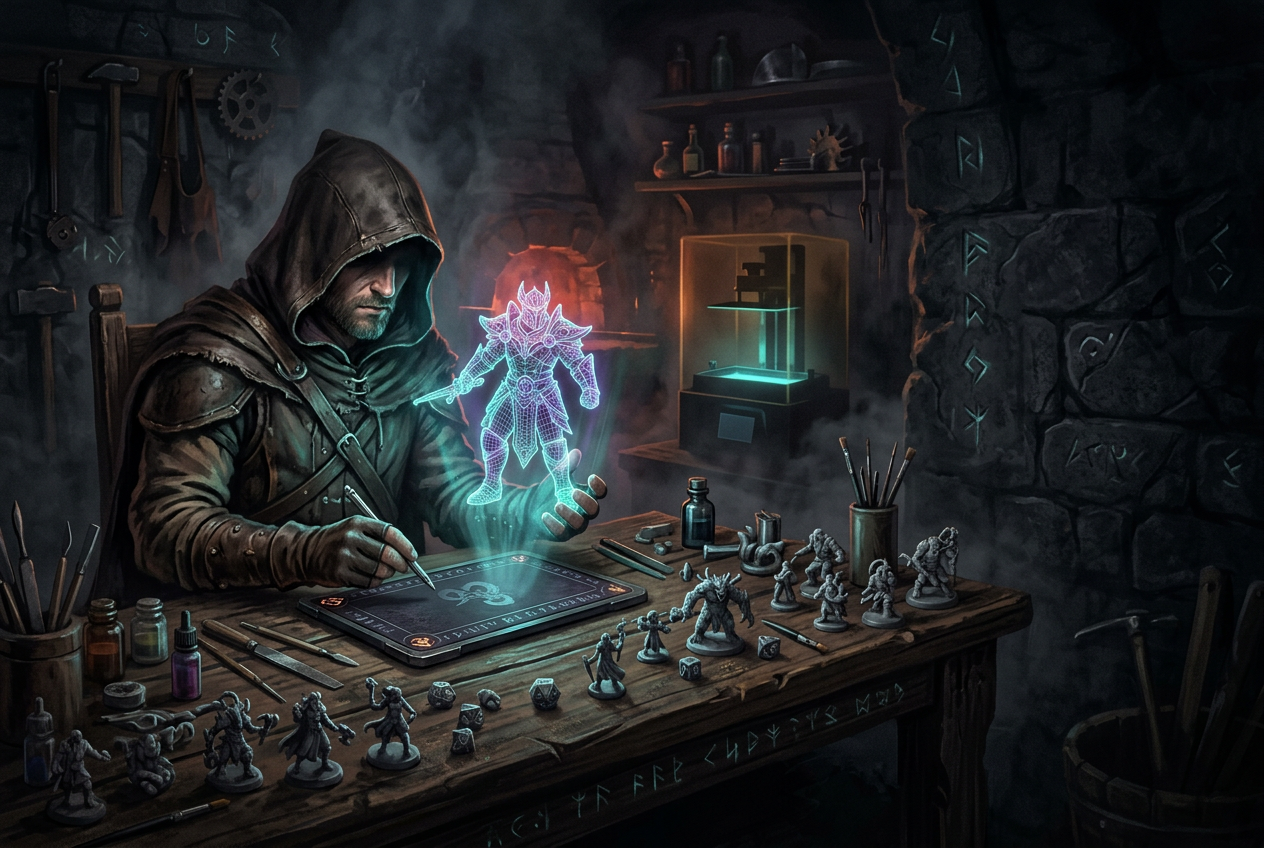
Design & Download Premium Miniature STL Files for 3D Printing
Key Takeaways
- Custom miniature STL creators allow you to design exact character matches with specific race, weapon, armor, and pose combinations instead of searching through pre-made catalogs for close approximations.
- High-quality miniature STL files feature sharp surface details, watertight mesh topology with no holes or inverted faces, and accurate 28mm or 32mm scale for tabletop compatibility.
- Resin 3D printers produce superior miniature detail due to finer layer resolution, while FDM printers work better for larger terrain pieces but may show visible layer lines on small figures.
Miniature STL files are 3D model files designed specifically for printing tabletop characters, creatures, and terrain. You'll find thousands of them scattered across marketplaces and Patreon pages—but finding the exact character you've imagined? That's where things get tricky.
This guide covers where to find quality STL files, what separates a good file from a problematic one, and how custom character creators let you design exactly what you want instead of settling for close enough.
Why custom STL files beat pre-made miniature downloads
An STL file is a 3D model format that stores the surface geometry of an object so 3D printers can read and reproduce it. You'll find miniature STL files on platforms like MyMiniFactory, Cults3D, Thingiverse, and Printables, where designers upload fantasy characters, creatures, and terrain for download. Some files are free, while others require purchase or a subscription to access.
Pre-made files work great for generic monsters, NPCs, or terrain pieces. But here's the thing—when you're looking for your specific character, the one you've been playing for six months with that exact weapon and armor combination, searching through catalogs often ends in frustration. You find something close, but not quite right.
Custom character creators flip the process around. Instead of hunting for a match, you build exactly what you imagine from the start.
- Exact character match: Your miniature reflects your vision, not someone else's interpretation
- Full creative control: Pick the race, clothing, weapons, stance, and base
- No compromises: Your half-orc paladin with a war hammer and shield actually looks like a half-orc paladin with a war hammer and shield
Start Building Your Custom Miniature →
Fantasy races and creatures you can create
One of the best parts of custom miniature creation is the variety. Whether you're running a classic fantasy campaign or something more unusual, you'll find options that match your character concept.
Classic fantasy races
Traditional RPG races cover most character concepts you'll encounter in D&D, Pathfinder, or similar games. Human, Dwarf, Elf, Orc, Halfling, Tiefling, Goblin, and Skeleton options come with male and female variants displayed side by side for quick comparison.
A grizzled dwarf cleric, an elven ranger with a longbow, a half-orc barbarian ready for battle—all of them start here.
Animalfolk and creature types
Looking for something beyond standard humanoids? Animalfolk races open up entirely new character possibilities. Cat, Wolf, Frog, Eagle, and Minotaur options work beautifully for beastfolk player characters, druids with animal forms, or memorable NPCs that stand out on the table.
Elemental and unique characters
For truly distinctive builds, specialty options include Crystal, Treant, Dragon, and Cyclops.
Picture a crystal golem warlock, a treant druid, or a dragon-born sorcerer. Not every table has characters like that—yours could.
How to design your own 3D printable miniature
Creating a custom miniature sounds complicated, but the process breaks down into clear steps. Here's how to go from concept to downloadable STL file.
1. Select your race and gender
Simply navigate to the Race selection screen where all options appear with male and female variants side by side. Can't decide where to start? Try the "Generate a random character" button. It's a surprisingly fun way to spark ideas you might not have considered otherwise.
2. Customize head, body, and clothing
Each section—Head, Body, and Clothing—uses incremental controls for precise adjustments. You'll see a percentage value with simple +/- buttons, allowing small tweaks rather than dramatic jumps. Want to make the head slightly larger or adjust the body proportions? A few clicks gets you there.
3. Add equipment and hand-held items
Navigate to the "Hand Held Items" section to equip weapons, shields, staffs, and accessories. A wizard gets their staff, a fighter their sword, a rogue their daggers. The gear you choose here brings your character's class and playstyle to life.
4. Choose your stance, base, and size
Select from Stance options like "Standing Idle" to define your character's pose. Pick a Unique Base for display, and set Size to "Standard" for typical 28mm or 32mm tabletop scale. The stance and base choices finalize how your miniature will look during gameplay.
5. Save, download, or order your miniature
Navigate to the "Material" section and select "Resin" as your material type. From here, you can save your design for later, add it to your cart for a professionally printed miniature, or download the STL file directly for home printing.
What makes a high-quality miniature STL file
Not all STL files produce the same results. Understanding what separates a well-designed file from a problematic one helps you recognize quality—whether you're downloading from a marketplace or creating your own.
Surface detail and print resolution
High-quality files capture fine details like facial features, armor textures, and fabric folds. When printed, the miniature has that crisp, hand-sculpted appearance that painters love to work with. Low-quality files often print smooth or blobby, lacking the visual interest that makes miniatures compelling on the table.
Optimized topology for clean prints
Topology refers to how the 3D mesh is structured—essentially, how the digital "skin" of the model is organized. Well-designed files have a "watertight" mesh, meaning no holes or inverted faces exist in the geometry. Printers interpret mesh errors as problems, which leads to failed prints or unexpected artifacts on the finished piece.
Accurate 28mm and 32mm scale options
Tabletop games typically use 28mm or 32mm heroic scale for miniatures. Proper scaling ensures your new character fits seamlessly alongside existing collections and terrain. Nothing breaks immersion quite like a dwarf who towers over the human fighter because the file was scaled incorrectly.
What to Look For:
- Detail: Sharp edges, visible textures, defined facial features.
- Topology: Watertight mesh, no holes or inverted faces.
- Scale: Correct height for 28mm or 32mm tabletop use.
STL files optimized for resin and FDM 3D printers
Two main types of 3D printers dominate the miniature hobby, and each works differently.
Resin printers use liquid photopolymer cured by UV light. They excel at capturing fine details—facial expressions, tiny accessories, delicate weapons. For miniatures specifically, resin typically produces superior results because the layer resolution is much finer. The tradeoff? Resin requires post-processing, including washing in isopropyl alcohol and curing under UV light.
FDM printers (Fused Deposition Modeling) use melted plastic filament deposited layer by layer. They're more accessible for beginners and work wonderfully for larger pieces like terrain, buildings, and scatter. For small miniatures, though, you might notice visible layer lines unless you dial in your settings carefully or use a very small nozzle.
Quality STL files work with both printer types. Some designers offer separate versions optimized for each, with thicker details on FDM versions to account for the lower resolution.
Tips for printing miniature STL files at home
Ready to print? A few practical considerations will help you get better results from your files.
Select the right resin or filament
For resin printing, standard gray or white resin shows detail well and takes paint beautifully. Neutral colors make it easier to spot imperfections before you start painting. For FDM, PLA filament offers a beginner-friendly option with decent detail retention and minimal warping.
Set layer height for maximum detail
Layer height determines how thick each printed layer will be. Smaller layer heights—like 0.025mm for resin or 0.12mm for FDM—capture more detail but increase print time significantly. Most slicer software includes preset profiles for miniatures that balance detail and speed.
Position and support your model correctly
Supports are temporary structures that prevent overhanging parts from drooping during printing. Arms extended outward, weapons held at angles, flowing capes—all of them typically require supports.
Some STL files come pre-supported, which saves significant setup time. If you're adding supports yourself, slicing software like Chitubox (for resin) or Cura (for FDM) includes automatic support generation tools.
Pre-supported files reduce print failures dramatically, especially for complex poses. If you're new to printing miniatures, look for files that include supports already placed.
Build your perfect custom miniature and start printing
Creating the exact miniature you've imagined doesn't require settling for approximations or spending hours searching through catalogs. With a custom character creator, you design what you see in your mind—then download the STL file or order a professionally printed version.
The guided creation flow walks you through each decision, from race selection to final pose. Every choice appears in real-time, so you know exactly what you're getting before you commit.
Ready to bring your character to life? Start building your custom miniature today. Sound like fun? It is!
FAQs about miniature STL files
What scale are most tabletop miniature STL files designed for?
Most tabletop miniature STL files use 28mm or 32mm heroic scale, which is standard for games like D&D, Pathfinder, and Warhammer. The Size setting in custom creators typically defaults to standard scale, ensuring your miniature fits with existing collections.
Can I modify an STL file after downloading it?
STL files can be edited using 3D modeling software like Blender or Meshmixer, though doing so requires some technical skill. With a custom creator, you make all modifications before downloading, so your file arrives ready to print without additional editing.
What is the difference between supported and unsupported STL files?
Supported files include pre-built support structures for 3D printing, while unsupported files require you to add supports in your slicer software. Pre-supported files save setup time and typically reduce print failures, especially for beginners still learning optimal support placement.
How long does it take to 3D print a miniature?
Print time depends on your printer type, settings, and miniature size. Most standard-sized miniatures take two to four hours on a resin printer. FDM prints typically take longer due to the layer-by-layer construction method and often require slower speeds for detail.
What if I do not own a 3D printer?
You can still design your custom miniature and order a professionally printed resin version. Simply add your finished design to your cart, and the printing and shipping are handled for you - no printer required.

